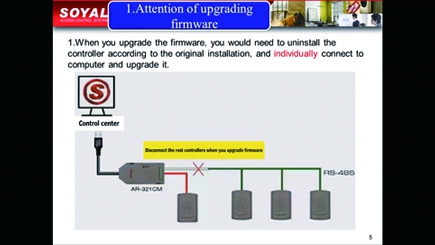
◎Be suitable for firmware upgrading of Home H Series Controller、AR-716-E18(AR-
716E)、AR-716-E02(AR-721E)、AR-401 and AR-403 I/O Module
(※Note: SOYAL Proximity Readers only support to upgrade firmware via COM Port Communication)
◎Reset Master code for H Series Controller
◎Read EEPROM Data of H Series Controller
◎Write EEPROM Data of H Series Controller
The No.1 is suitable for below devices either EM Frequency or Mifare Frequency
AR-101-H / AR-321-H / AR-331-H / AR-721-H / AR-725-H / AR-757-H / AR-888-H /
AR-888-W / AR-323-D / AR-401 Series / AR-403 Series / AR-716-E02
The No.2 is suitable for below Mifare Wigeand Readers
AR-101-U / AR-723-U / AR-721-K / AR-725-U / AR-725-K
The No.3 is suitable for Multi-door controller AR-716-E18
AR-716-E18
| Operating System | Win7/ Win10/ Win11, Windows Server 2012/ 2016/ 2018/ 2022 |
| Processor Server | Intel® Pentium® and above |
| Installed Memory (RAM) | min. 8GB |
| Hard Disk | 80GB of free space |
| Transmission interface | Built-in USB transmission interface |
| File Name | New features | Version | Updated Date | Download | |
|---|---|---|---|---|---|
| Catalogues | |||||
 Full Catalogue | v230808 | 2023-08-08 | Download | ||
| Manual | |||||
 Software Manual-ISP Tool | V211012 | 2021-10-12 | Download | ||
| Software | |||||
 SOYAL Device Tools | *2023-08-14 : Support for Programmable Logic Programming and Scheduled Scheduling Function *2019-07-02: CommView support TCP *2019-06-15: 323D Master support Server Rack Version 101HD *2018-09-10: Add the feature of Enrolltool to support TCP/IP communcation for Red Fingerprint Sensor 9000DO *2018-08-22: 1.Add CommView to support Modbus command | 2024-03-21 | 2024-03-21 | Download | |
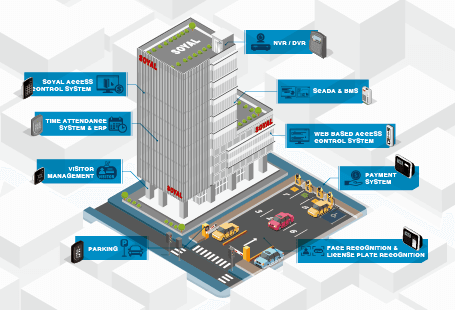
The Best Solution for Cross-Platform lntegration-3
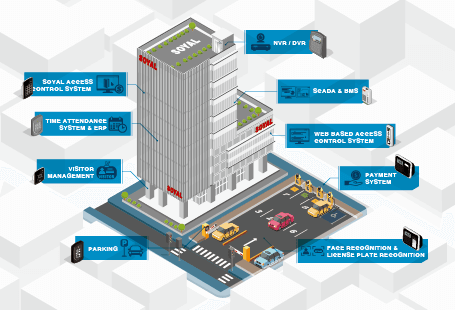
The Best Solution for Cross-Platform lntegration-2
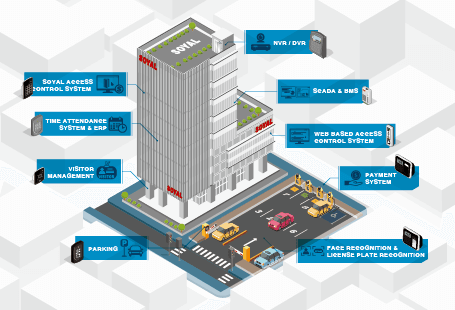
The Best Solution for Cross-Platform lntegration-1

323DMaster

EnrollTool

LiftControl
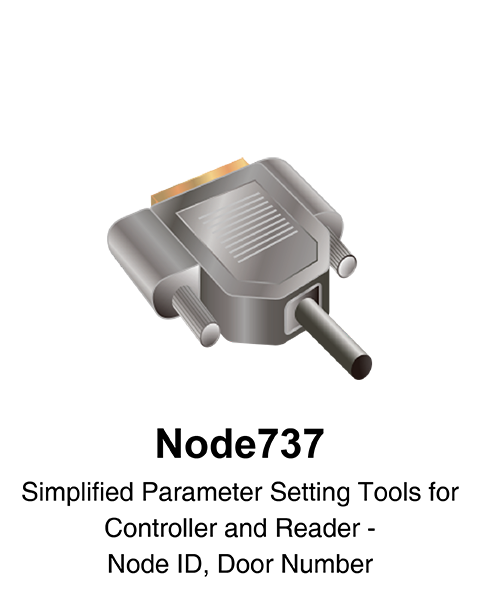
Node737

MIFARE Key
SOR Tools
UDP UPDATER

CommView