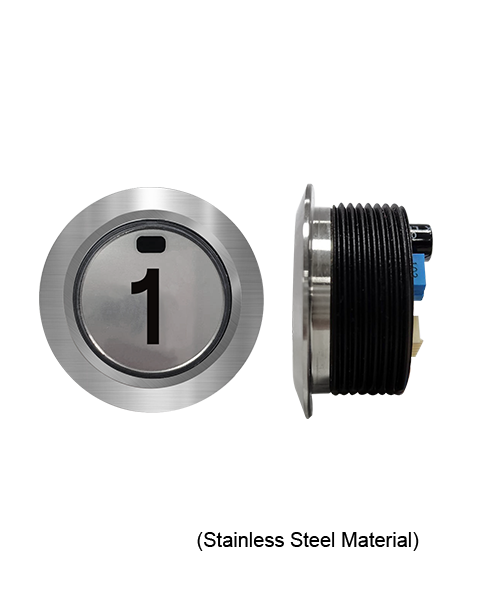
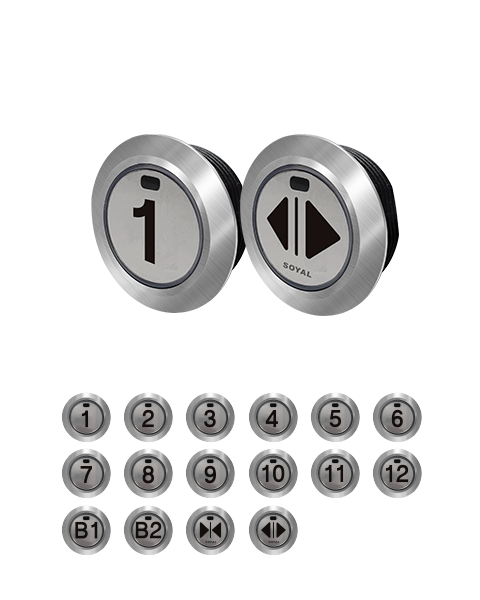
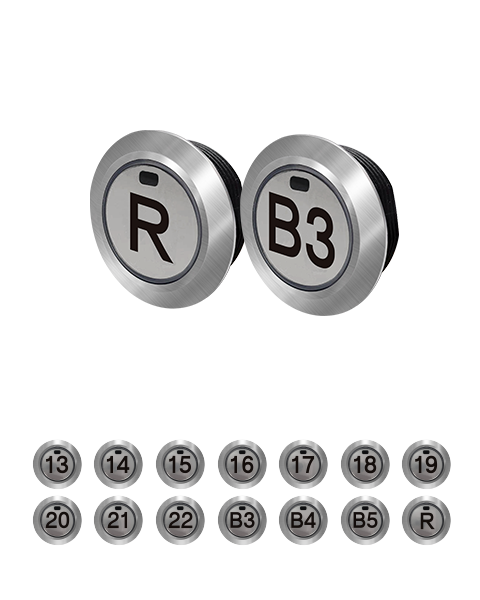
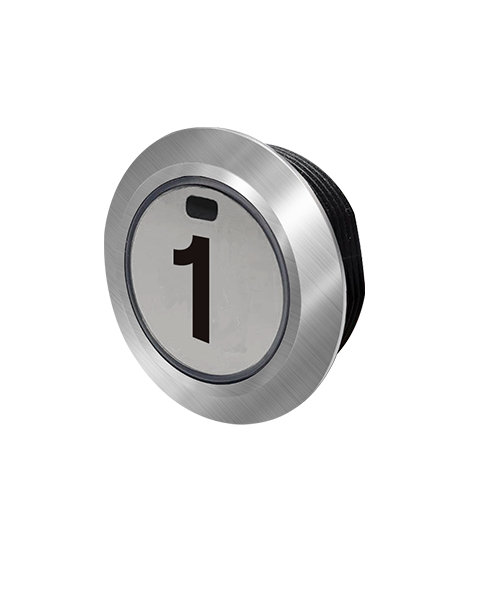
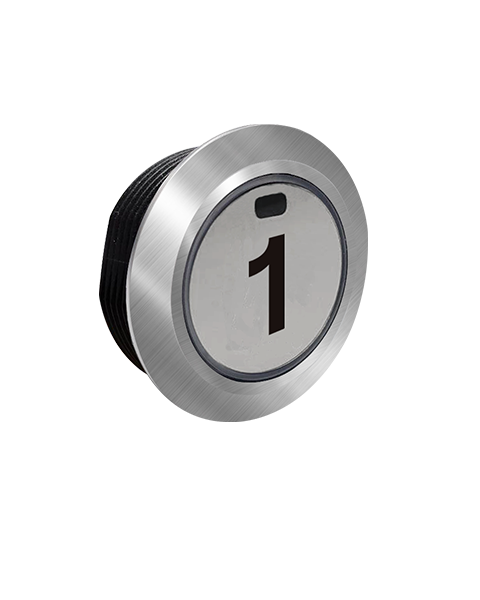
Touchless Elevator Button
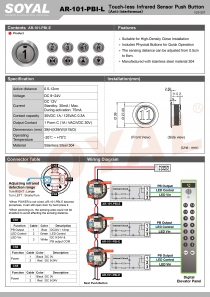
AR-101-PBI-E◎ Suitable for High-Density Close Installation
◎ Includes Physical Buttons for Quick Operation
◎ The sensing distance can be adjusted from 0.5cm to 8cm.
◎ Manufactured with stainless steel material 304
Touchless Elevator Button
AR-101-PBI-E◎ Suitable for High-Density Close Installation
◎ Includes Physical Buttons for Quick Operation
◎ The sensing distance can be adjusted from 0.5cm to 8cm.
◎ Manufactured with stainless steel material 304
.jpg)
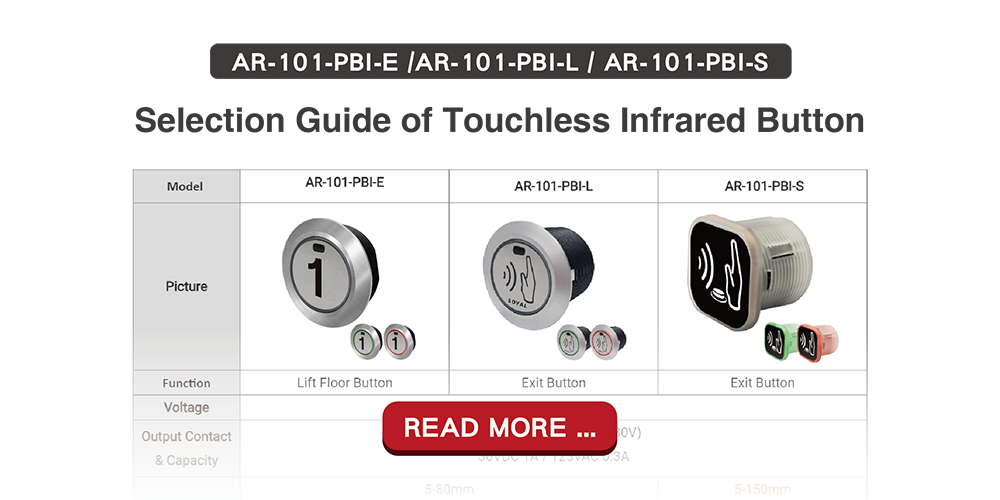
| Active distance | 0.5-12cm | |
| Voltage | DC 9~24V | |
| Current | DC 12V Standby: 30mA / Max. during activation: 75mA | |
| Contact capacity | 30VDC 1A / 125VAC 0.3A | |
| Output Contact | 1 Form C (1A / VAC/VDC 30V) | |
| Dimmension (mm) | Touch-less Infrared Sensor Push Button (Anti-Interference) AR-101-PBI-L | 39(H)X39(W)X15(D) |
| Stainless Steel Panel (Slim Type) | 108(H)X41(W)X2(D) | |
| Stainless Steel Panel (US Type) | 122(H)X72(W)X2(D) | |
| Stainless Steel Panel (Square EU Type) | 86(H)X86(W)X2(D) | |
| Environment | Operating Temperature | -20℃ ~ +70℃ |
| Storage Temperature | -40℃ to +75℃ | |
| Operating Humidity | 0%~90% (non-condensing) | |
| Storage Humidity | 0%~95% (non-condensing) | |
| Material | Stainless Steel | |
| Ingress Protection | NO | |
| Others | Physical Contact (How to use when power off): Allow access under no power supply situation by pressing any points on the button. |
| File Name | New features | Version | Updated Date | Download | |
|---|---|---|---|---|---|
| Catalogues | |||||
 Full Catalogue | v230808 | 2023-08-08 | Download | ||
| Manual | |||||
 101-PBI-E Manual | V231207 | 2023-12-07 | Download | ||
| Software | |||||
 701ServerSQL | 【Latest Version】10V5 ◎Support MaridDB, MySQL (Version 8.0.28) ◎Support Unicode, at the same time support file system and database system mode ◎Recommended operating system Win 10 and after ◎Windows Server recommended for Win2019 and above systems ◎Quick guide can be found on Local Disk C of 701Server C:\Program Files (x86)\701Server (Please obtain software password from installer) | 10V5 2024-03-19 | 2024-03-19 | Download | |
701ServerSQL | V902 ◎Support operating system Win 7~10 and after ◎Windows Server recommended for Win2012~2019 and above systems (Please obtain software password from installer) | V902 2019-12-16 | 2018-10-31 | Download | |
701ServerSQL | V806 ◎Supports Windows XP and Win 7~10 and above systems. ◎Windows Server recommended for Win2003~2019 and above systems (Please obtain software password from installer) | V806 2018-10-31 | 2018-10-31 | Download | |
 701ClientSQL | 【Latest Version】10V5 ◎Recommended operating system Win 10 and after ◎Supports memory of adjustable column widths for viewing fields, eliminating the need to readjust them each time. ◎Added charging pile recharge and deduction record. (Please obtain software password from installer) | 10V5 2024-04-26 | 2024-04-26 | Download | |
701ClientSQL | 【V902】 Support operating system Win 7~10 and after (Please obtain software password from installer) | V902 2019-12-13 | 2019-12-13 | Download | |
701ClientSQL | 【V806】 Supports Windows XP and Win 7~10 and above systems. (Please obtain software password from installer) | V806 2018-10-31 | 2018-10-31 | Download | |
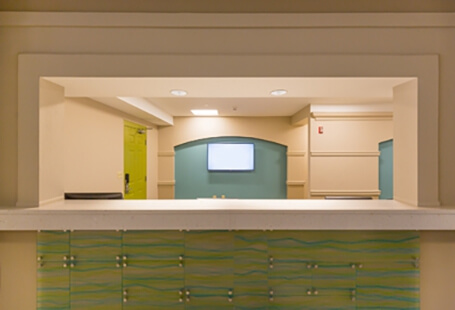
Cloud Based Mail Reception & Delivery and Mailbox Management System
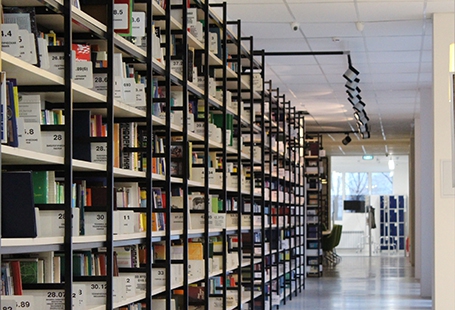
Membership Storage and Consumption Management System
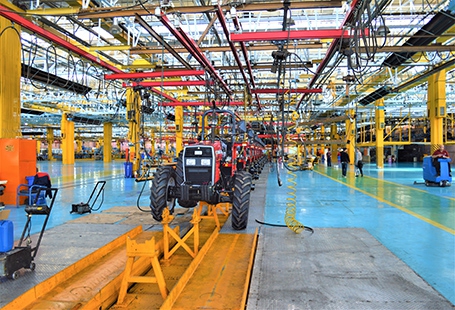
Manufacturing traceability:trace-track-and control
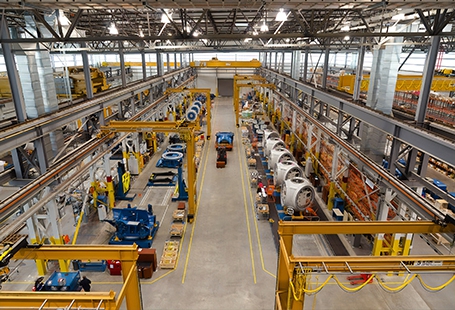
Shared factory equipment management system
Since established in 1993, SOYAL Technology has been adopting the distribution policy of sales and after-sales service. Due to all SOYAL products are produced with high industrial-grade components, the users can use our products for more than 10 years, in which indicates SOYAL provides a reliable security system with trusted and long-term companionship.
In order to ensure long-term and high-quality after-sale services and maintenance, it is very important to carefully select distributors who can provide good installation and service.
We would advise the customers to take after-sales service as the main consideration before purchasing to avoid any doubts about installation and after-sales service.
In addition to physical distributors, SOYAL also made a variety of online teaching videos and Q&A to help customers quickly find answers as like 24 / 7 services. You are welcome to subscribe our training channel.
SOYAL offer Standard Warranty and SOYAL Extended Warranty Program that can be listed below:
1. Standard Warranty is 12 months warranty against manufacturing defects is guaranteed since the date of shipment under the circumstances of non-natural disaster, damage, non- deliberate damage by people.
2. Extended Warranty Program is extended program of Standard Warranty to prolong the Warranty period in which divided into two different plans.
Plan 1. Directly Add Purchase
Purchase Extended Warranty by the time product is purchased.
Plan 2. Purchase Before Warranty Expires
Purchase the Extended Warranty before the original 12 months warranty expires. If you did not purchase the Extended Warranty when you purchase the product, you can enjoy an opportunity to purchase an extended warranty before the 12 months warranty expires.
Please refer to the following price list for the additional purchase fee required for the Extended Warranty of the two plans:
| Extendend Warranty | Plan 1. Directly Add Purchase | Plan 2. Purchase Before Warranty Expires |
|---|---|---|
| Extended to 2 years warranty | 10% of the Unit Price | 15% of the Unit Price |
| Extended to 3 years warranty | 20% of the Unit Price | 25% of the Unit Price |
| Extended to 4 years warranty | 35% of the Unit Price | 40% of the Unit Price |
| Extended to 5 years warranty | 50% of the Unit Price | 55% of the Unit Price |
| Extended to 6 years warranty | 65% of the Unit Price | 70% of the Unit Price |
| Extended to 7 years warranty | 80% of the Unit Price | 85% of the Unit Price |
| Extended to 8 years warranty | 95% of the Unit Price | 105% of the Unit Price |
| Extended to 9 years warranty | 115% of the Unit Price | 125% of the Unit Price |
| Extended to 10 years warranty | 135% of the Unit Price | 145% of the Unit Price |
.png)
x7_4(W)x7_4(D).png)
Inner Box
x41(W)x49(D).png)
Outer Carton
.png)
x8_6(W)x5_5(D).png)
Inner Box
Outer Carton